
MEMbership
Digital Membership Cards
NC Arboretum memberships have gone digital! Thank you for helping us reduce our paper use and save the trees, one membership at a time!


Why Digital Cards?

Sustainability
Digital cards allow us to save paper and go green.

Easy Access
Never worry about losing your membership card again!

Reduced Wait Times
Receive your card within days of becoming a member.
NC Arboretum members can now access their membership digitally through the PassPlay for Memberships app.
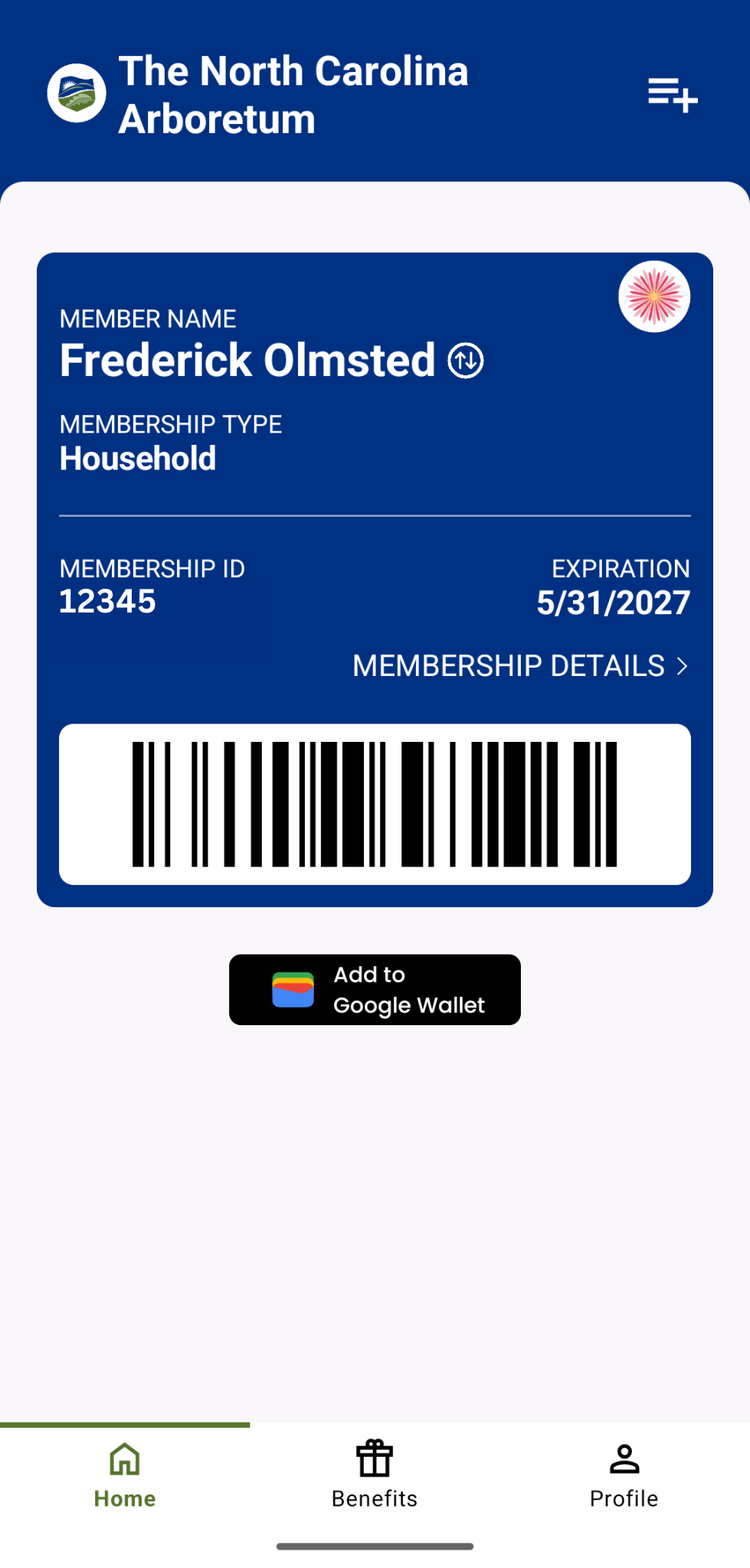
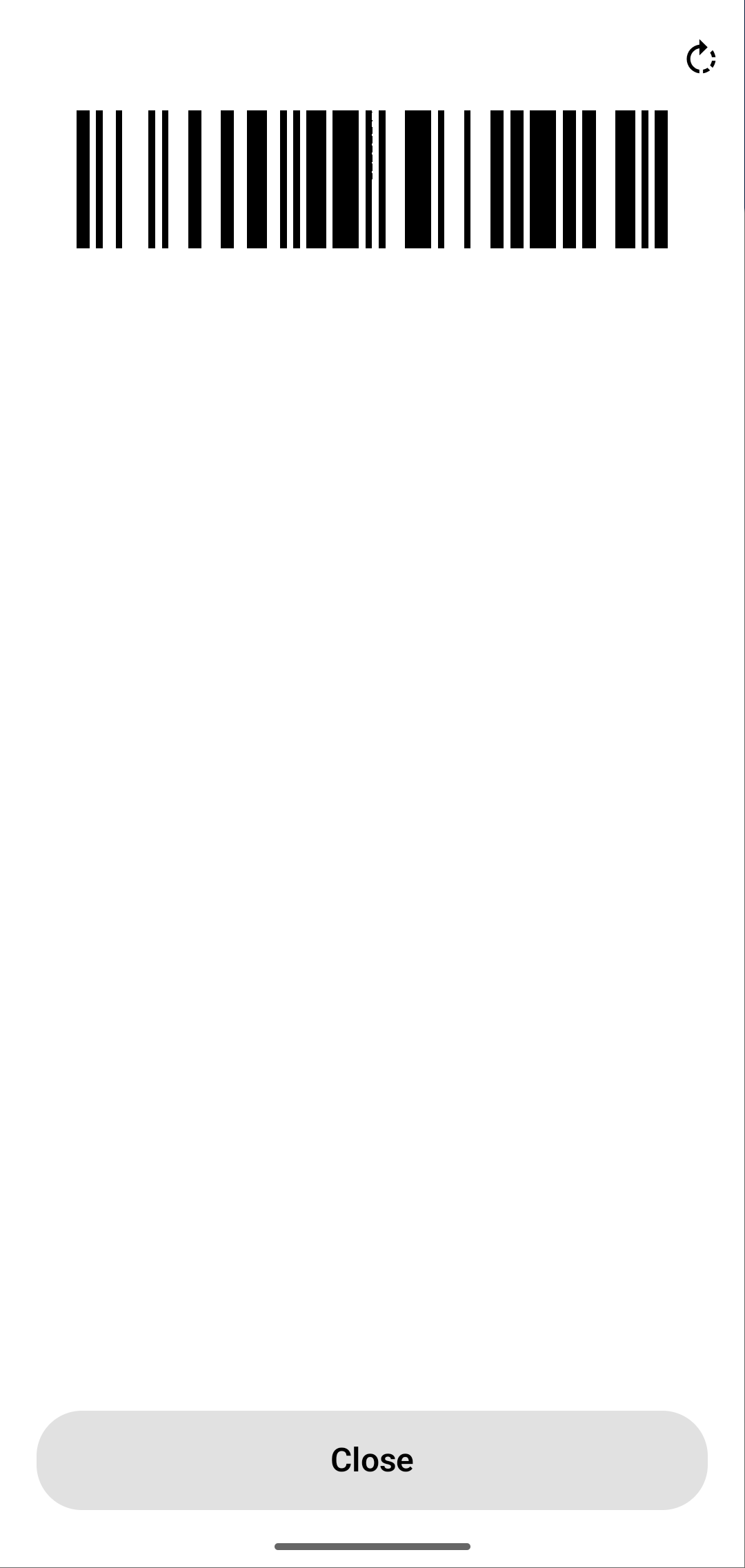
The digital card functions the same way as your physical membership card. You can scan it for entry at our front gate and show it to staff on-site to receive your member discounts. Once downloaded, you can access your card directly in the PassPlay app or add it to your mobile wallet. Please note that the PassPlay app works best when scanning your digital membership card at our front gate.
Existing physical membership cards will continue to be valid until their printed expiration date. In the future, physical cards will still be available upon request. You can request a physical card by contacting the Membership Team at the time of your next membership renewal, or by visiting the Membership Kiosk in the Baker Exhibit Center during your next visit to the NC Arboretum.
HOW TO ACCESS YOUR DIGITAL MEMBERSHIP CARD IN PASSPLAY:
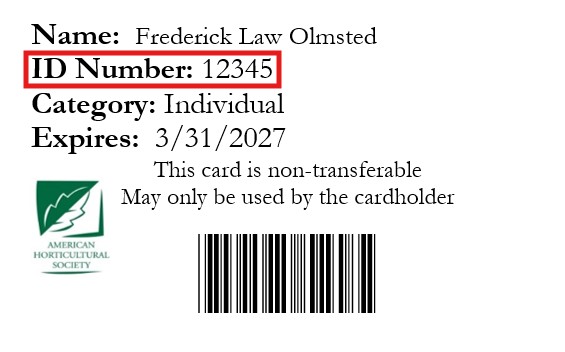
To access your membership in the PassPlay app, you will need the ID number located on the back of your NC Arboretum Membership card, just above the barcode.
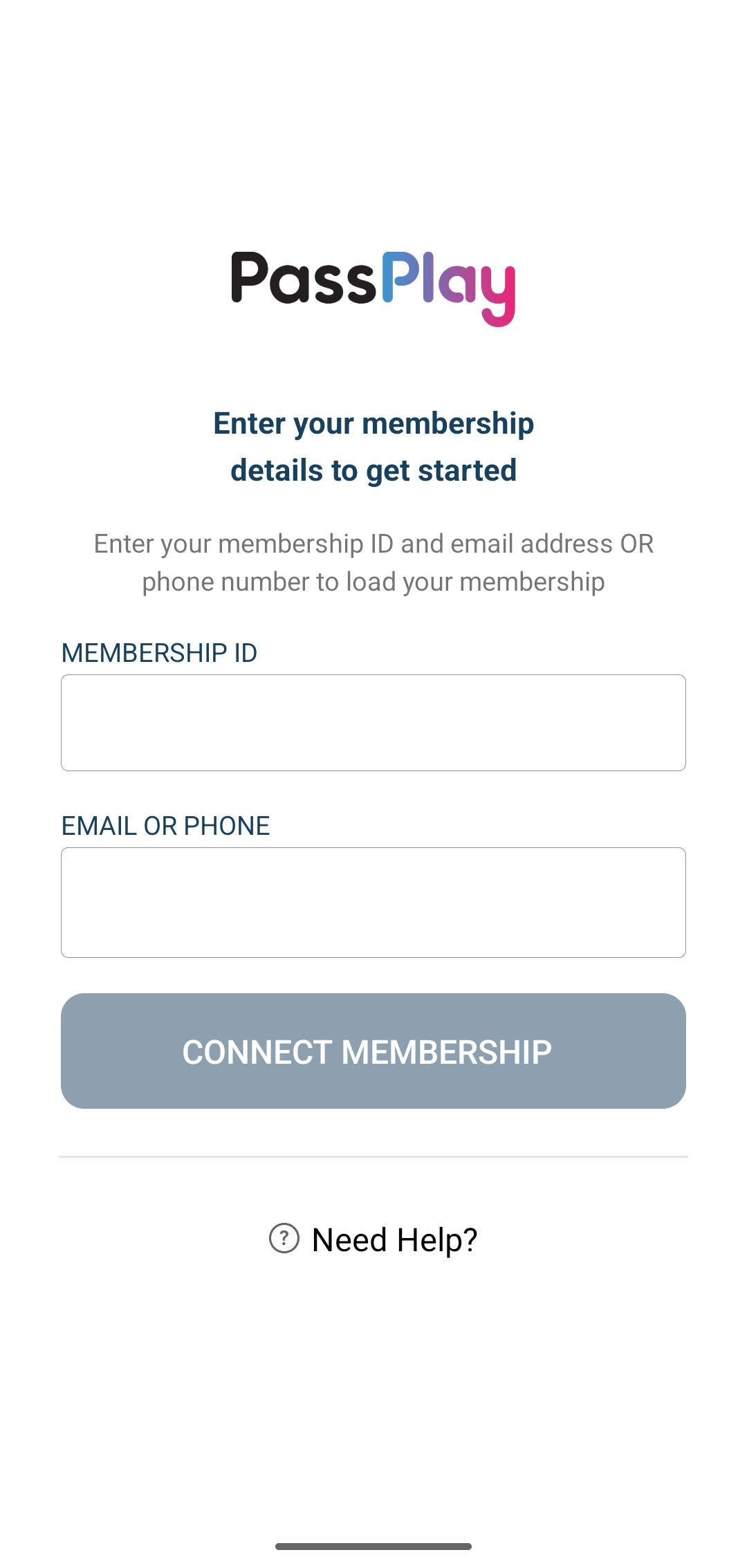
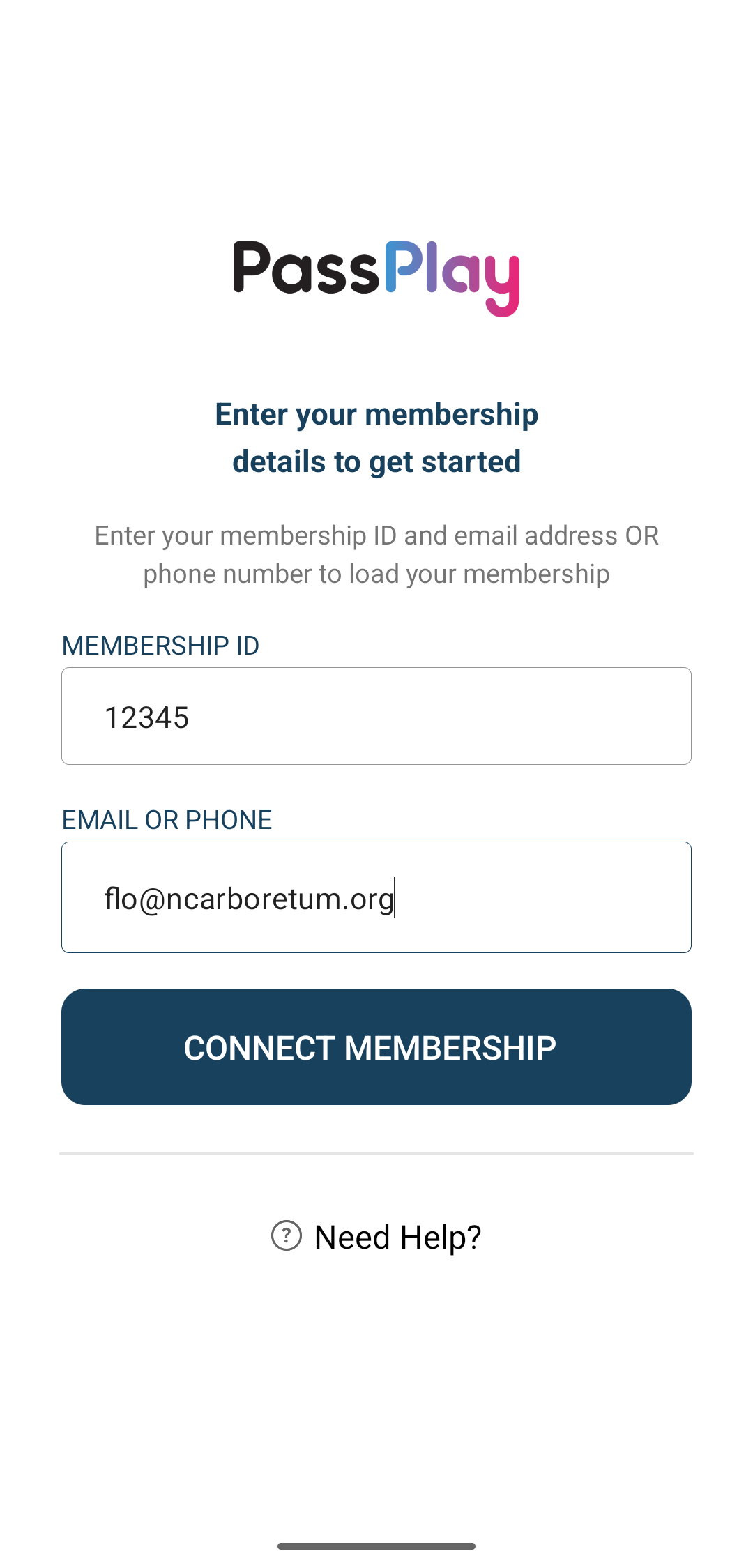
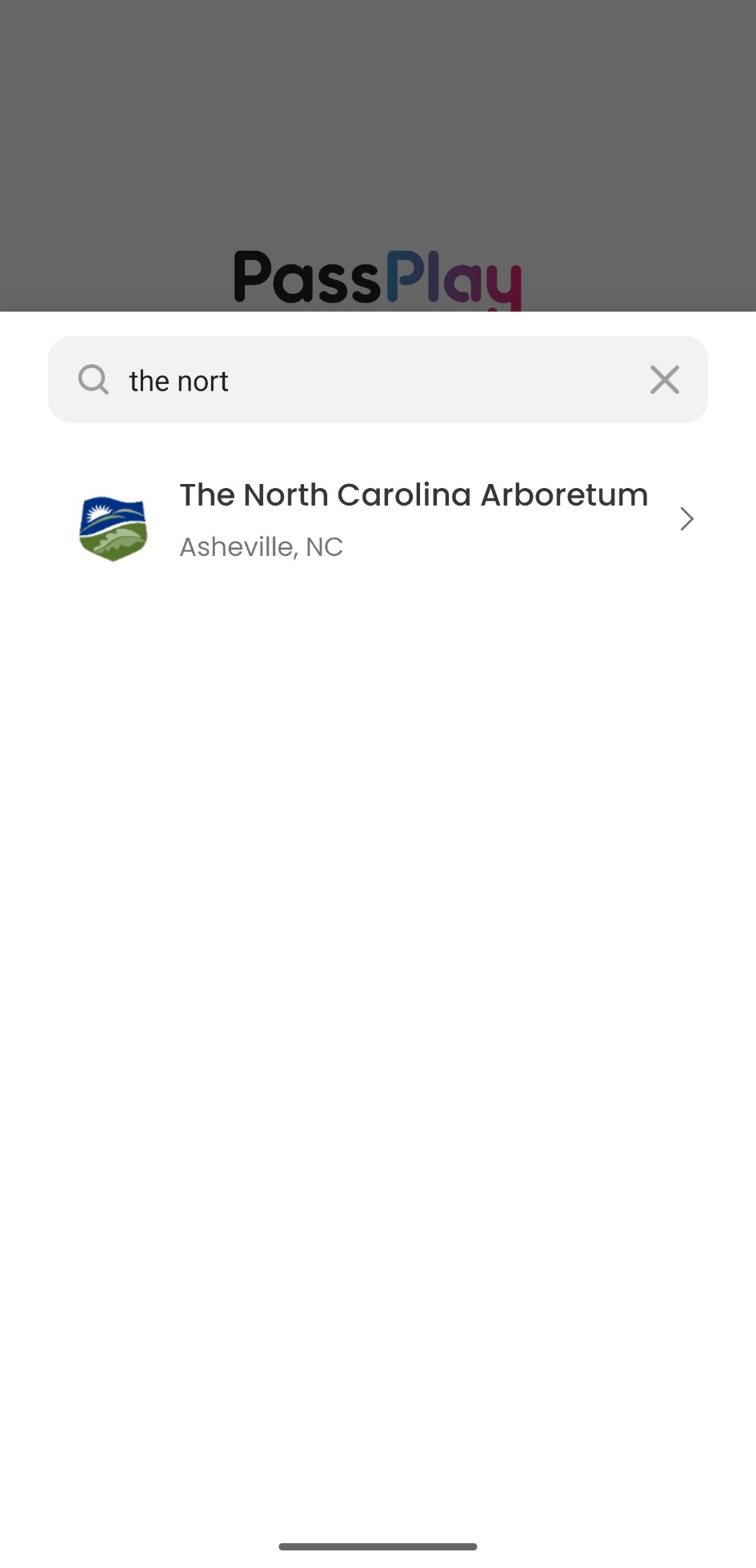
In the PassPlay app, search for your membership using the email address that the Primary Member has on file with the NC Arboretum. If you use the contact information of an additional cardholder, the system will not be able to find your membership.
If you cannot find your membership number or need to know what contact information we have on file, please contact the Membership Team. You can reach us at membership@ncarboretum.org or by phone at 828-665-2492 seven days a week between 9:00 a.m. – 4:30 p.m.
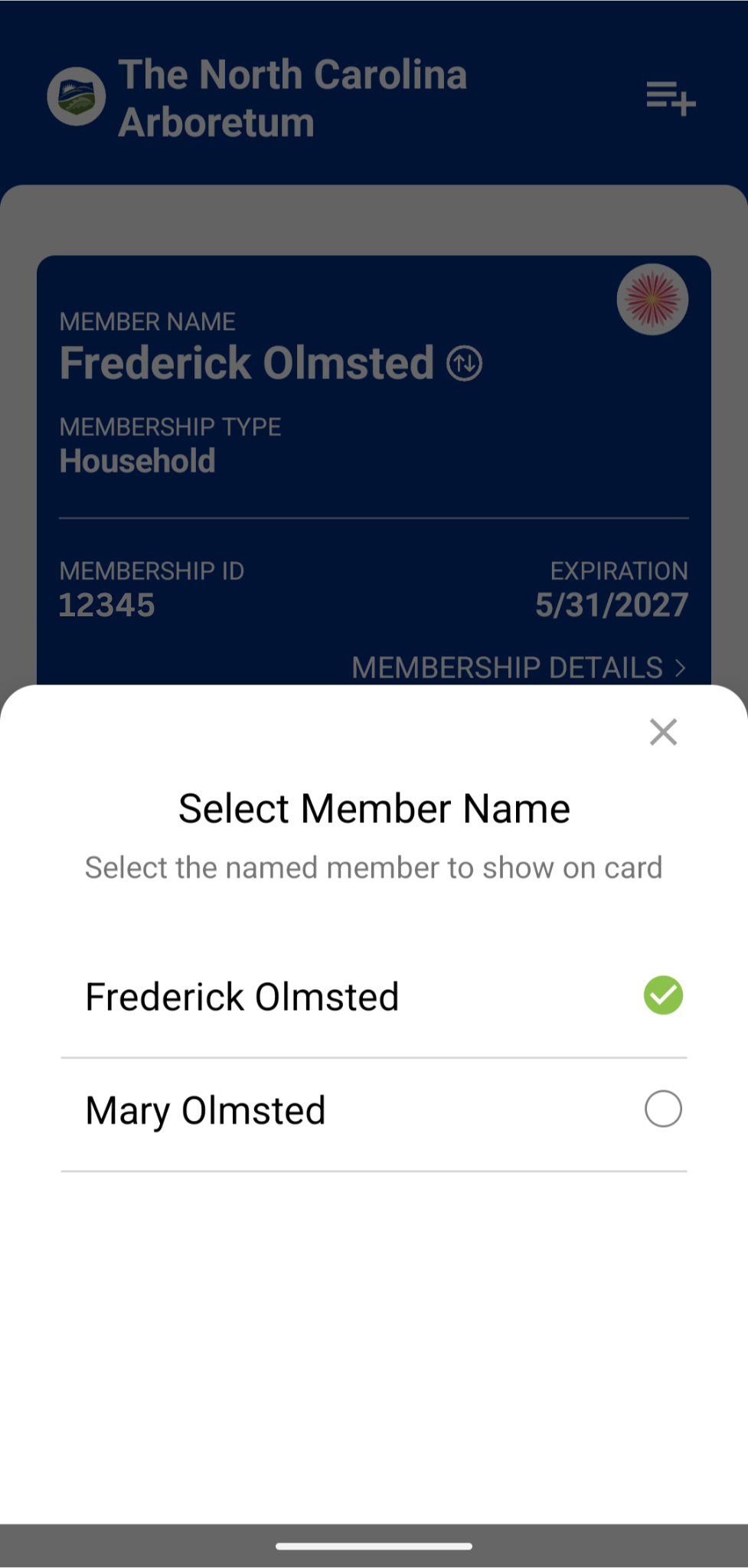
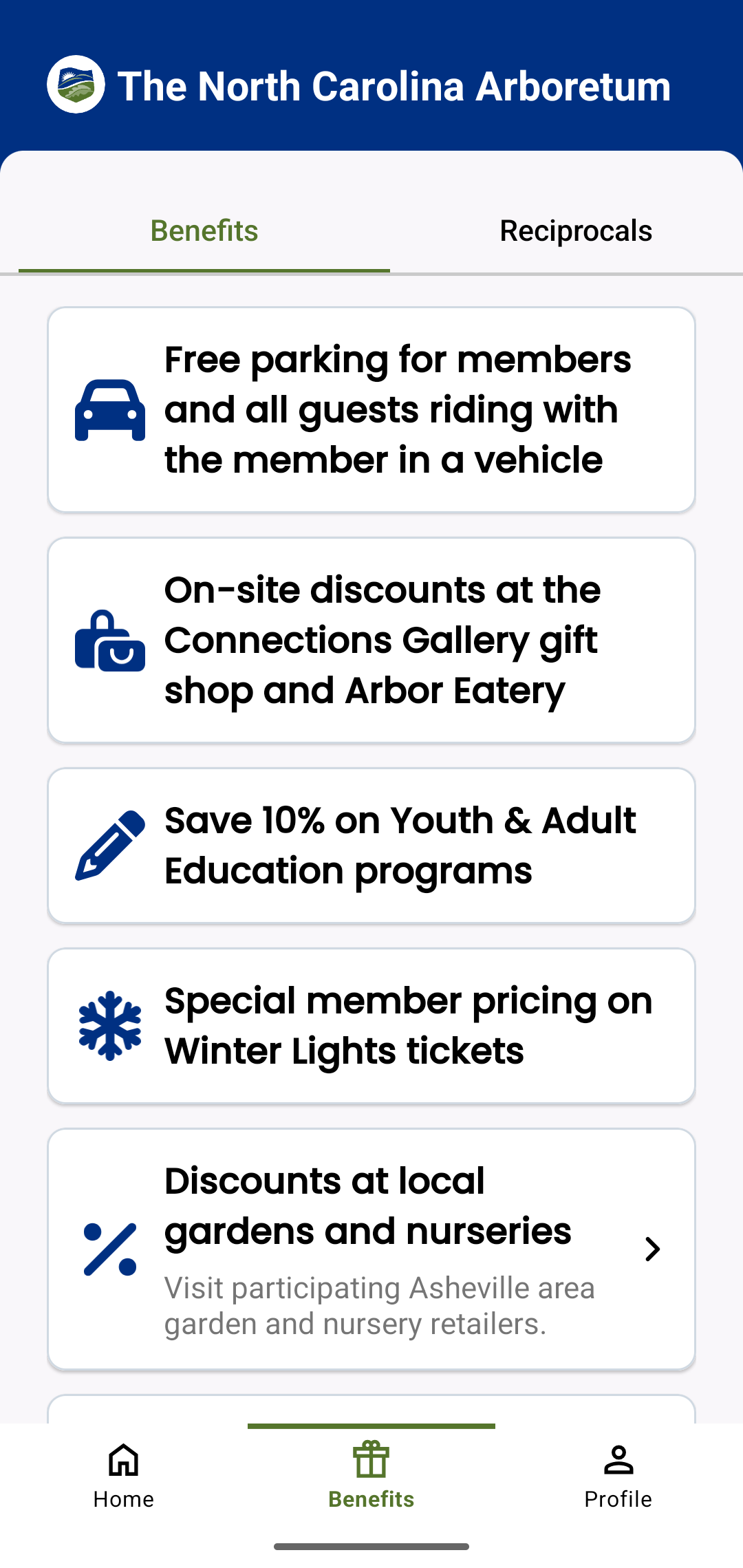
SCROLL THROUGH THE STEP-BY-STEP INSTRUCTONS BELOW TO ACCESS YOUR DIGITAL MEMBERSHIP CARD

Frequently Asked Questions
Why is the NC Arboretum switching to digital membership cards?
Transitioning to digital membership cards will help us be more sustainable, use less paper, and reduce the amount of time members wait to receive their membership cards. Thank you for helping us save the trees!
How do I access my digital membership card?
If you are already an NC Arboretum member, please follow the instructions above to download the PassPlay for Memberships app. If you are a new member, you will receive an email from the NC Arboretum thanking you for membership within a few days of your membership purchase. This email will include the information you need to access your digital membership card.
What is PassPlay?
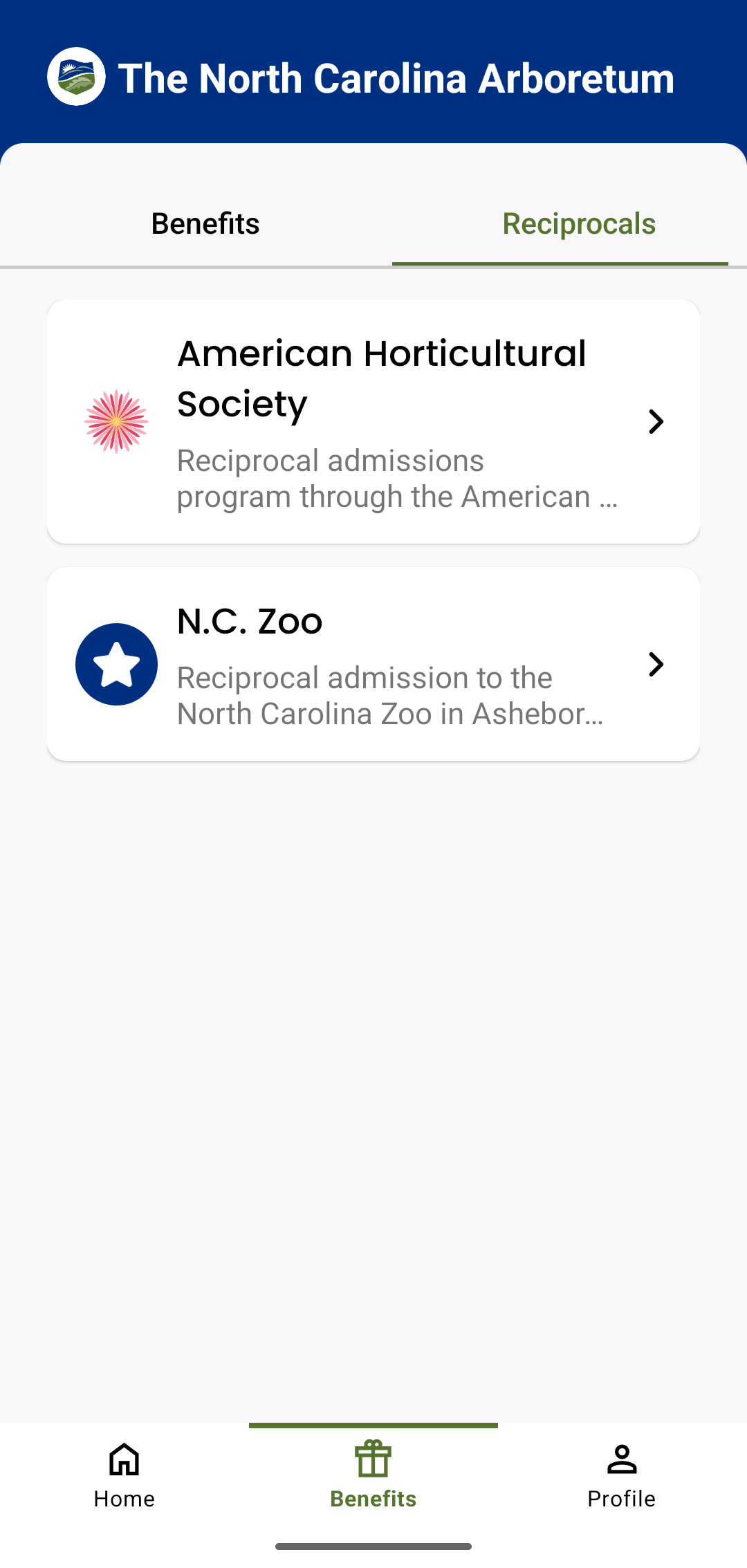
PassPlay is a digital membership card service. The NC Arboretum is partnering with PassPlay to provide digital membership cards to our members. Download the PassPlay for Memberships app to access your digital membership card and view all of your member benefits, including reciprocal benefits.
Will I have to enter my membership information every time I open the PassPlay app?
No. You will only need to enter your membership information the first time you log into the PassPlay app. Do not log out of the app – simply close it when you are not using it. Once you log in to the PassPlay app, you will stay logged in and your digital membership card will automatically appear when you open the PassPlay app.
My name is spelled wrong or my membership information is incorrect on my digital membership card. How do I update this?
Please contact the Membership Team. You can reach us at membership@ncarboretum.org or by phone at 828-665-2492 seven days a week between 9:00 a.m. – 4:30 p.m.
How long will it take for my digital membership card to update after a renewal, upgrade, or name change?
Your digital membership card in the PassPlay app will automatically update 4-5 days after a change is made to your membership.
What if my phone battery dies on my way to the Arboretum? How will I get in?
You can always pull up to the gatehouse window instead of the member lane if your membership card is unavailable for any reason. Simply give your name to our gatehouse staff and verify your contact information. Our gatehouse staff will be able to look up your membership in our system and let you in without paying the parking fee.
I do not have a smartphone. Can I still be a member?
If you do not have a smartphone or are unable to utilize a digital membership card for another reason, please contact the Membership Team. You can reach us at membership@ncarboretum.org or by phone at 828-665-2492 seven days a week between 9:00 a.m. – 4:30 p.m. Physical membership cards will still be available upon request.